Gen AI drafting and non-drafting tools are included in all of the subscriptions at no extra cost, but both are off by default and must be switched on by a Subscription Admin.
To enable one or both of the Gen AI features, the admin needs to follow steps below:
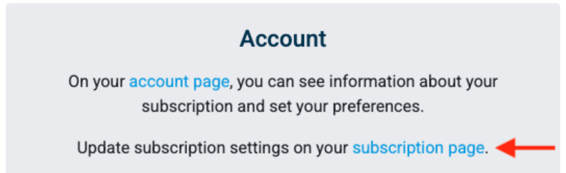
- From the Patent Bots home page open the Account tile and select Subscription Page.
-
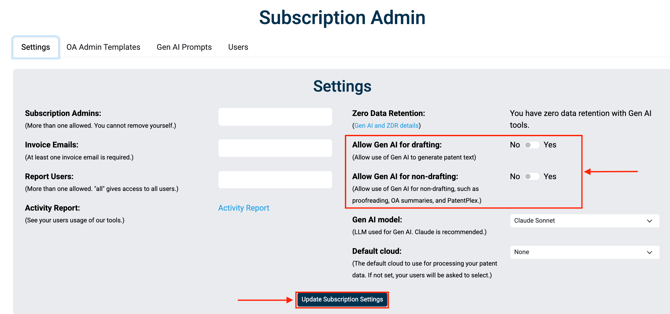
On the Settings tab, toggle one or both of the Allow Gen AI options from No to Yes.
-
Select Update Subscription Settings. Your changes are not saved until you click this button.
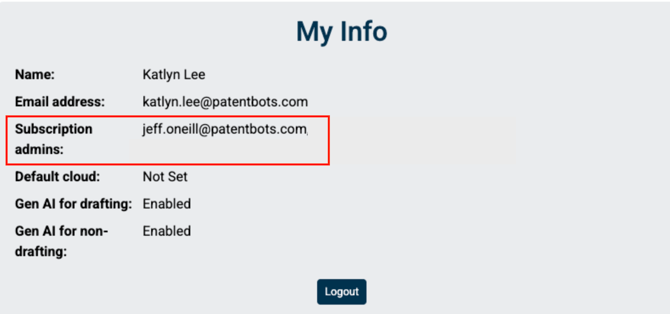
To find out who is an admin of your subscription, go the the Home page -> Account -> Account page. Subscription admin(s) is listed under My Info section.