If your card has expired or you need to change the card on file, Subscription Admin can update the payment information from your Patent Bots dashboard.
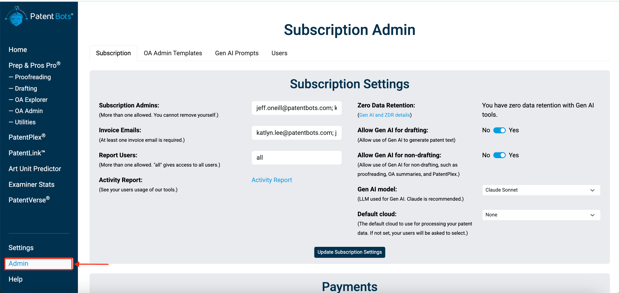
- From the left sidebar, select the Admin page — or go directly to https://www.patentbots.com/subscription.
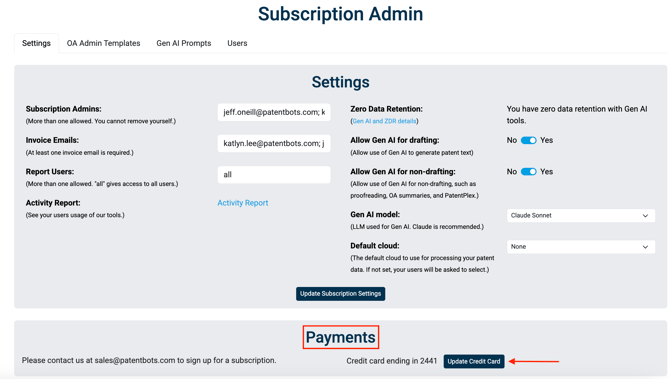
- Scroll down to the Payments section and click on Update Credit Card
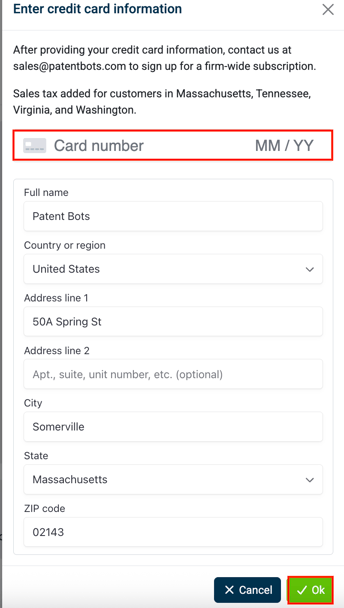
- Enter new card info and update the name/address as needed. Click Ok once done to save the changes.